Design Studio
Roof & Home Design Studio
Put a new shingle roof on a real Florida home, or on a photo of your own house, and compare colors before you choose.
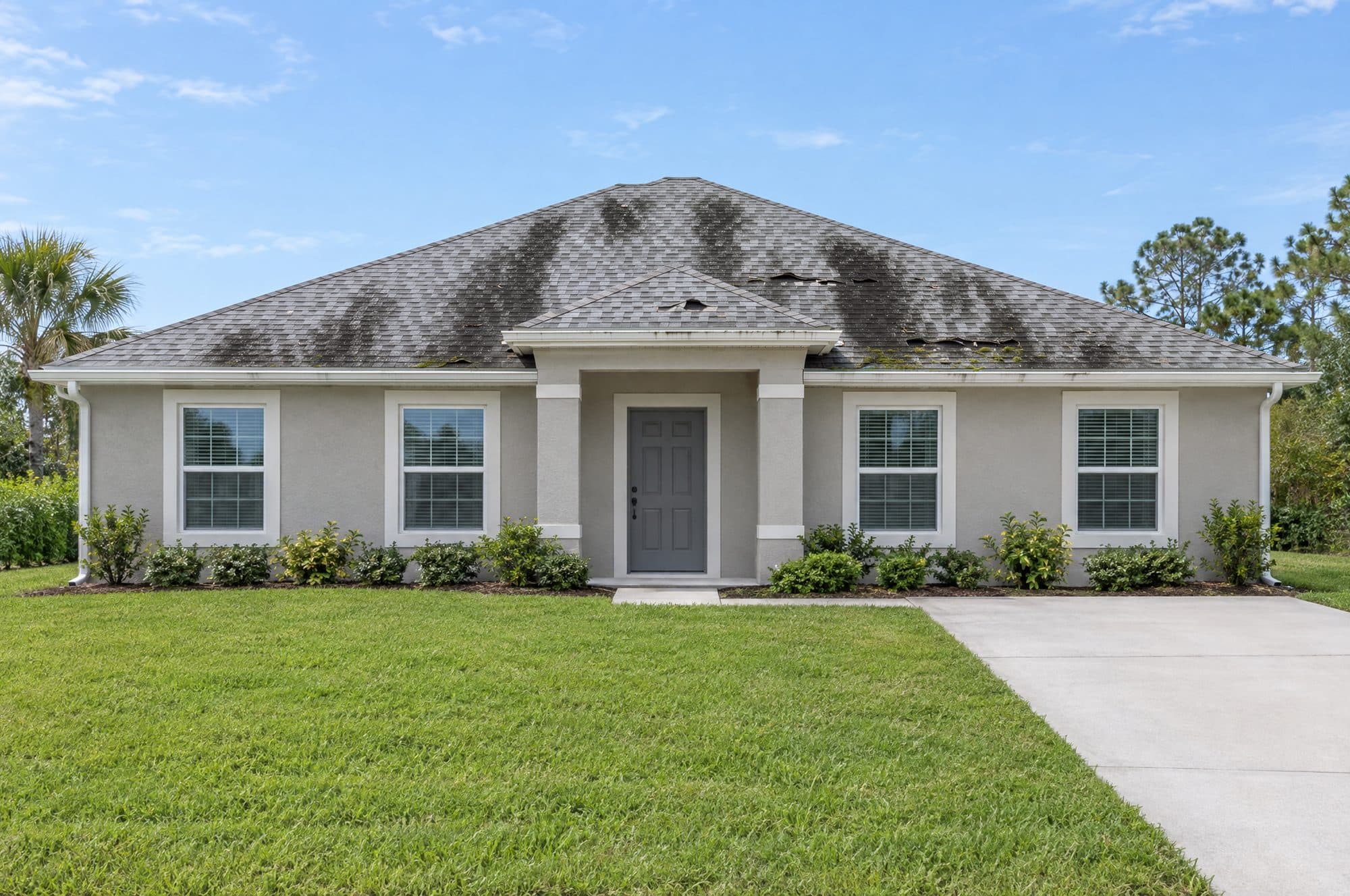
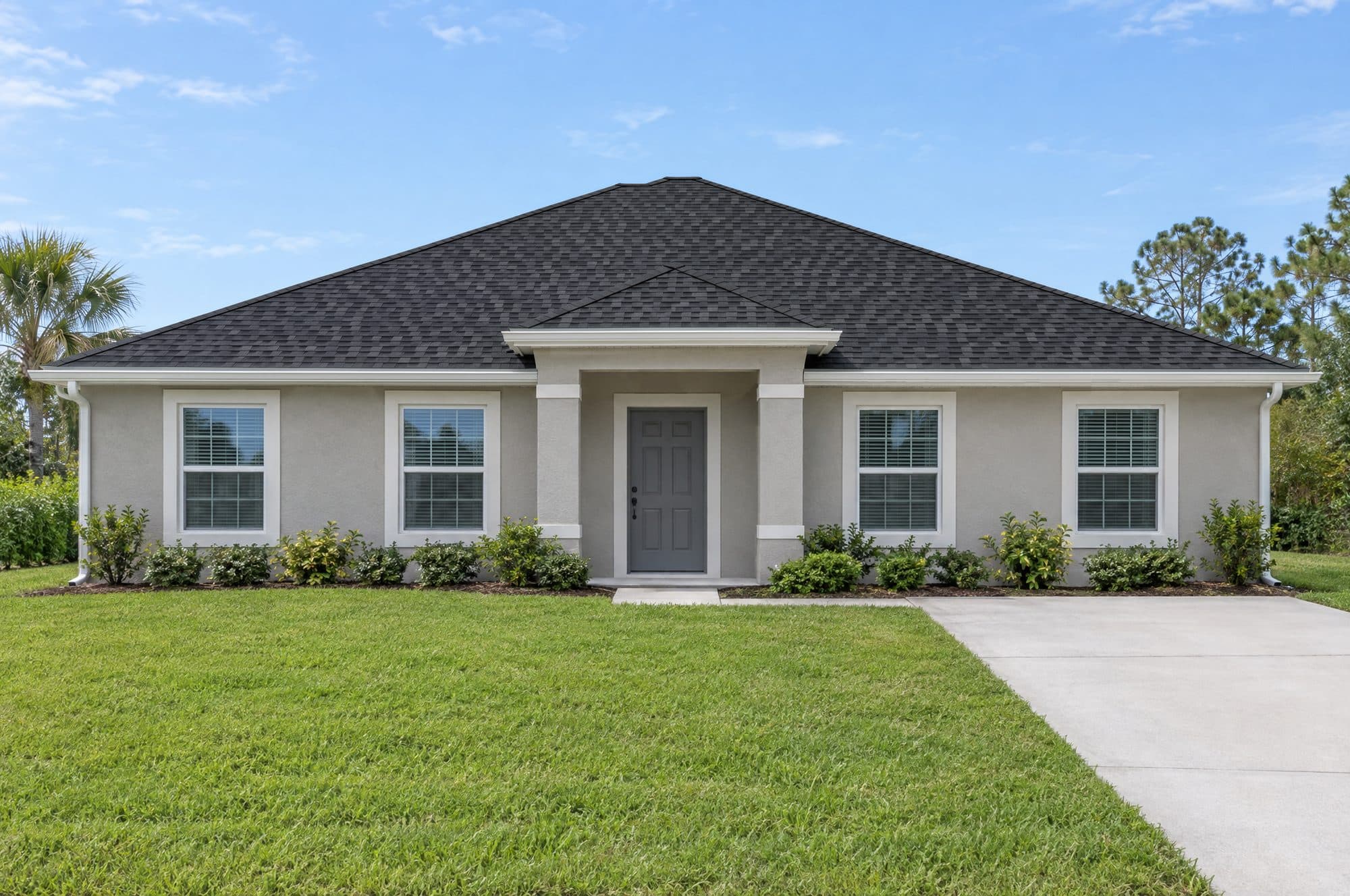
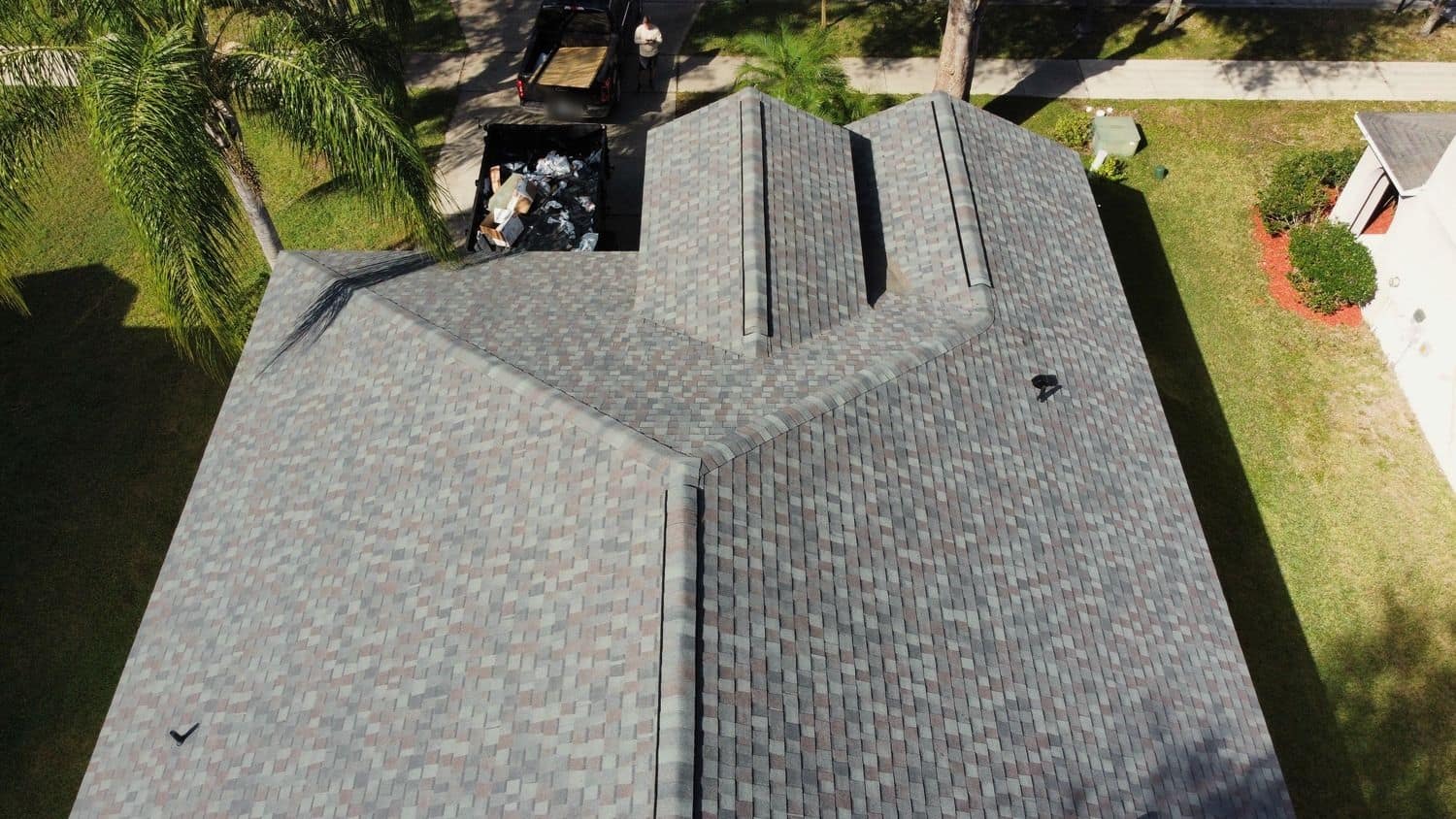
Sample home (illustration)Illustration of what a re-roof changes. Not a South Fork Roofing job.
Choose a home
Roof material
Profile
Color · Charcoal
Architectural shingle colors
Photoreal preview on this sample home. Other colors are drawn by the studio.
Apply to
Apply the look to
Gutters · as pictured
Gutter colors
Fascia and trim · as pictured
Trim colors
Colors and textures are digital approximations. Check real product samples before you choose.
How it works
Three steps, all in your browser
- 01
Pick a home or upload yours
Start with a photo from one of our jobs, or use a photo of your own house. Your photo stays on your device. Nothing is sent anywhere.
- 02
Try materials and colors
Sample homes come with the roof already traced. On your own photo, tap the corners of each roof section first. Then pick a material and a color, and add gutters if you like.
- 03
Compare, save and send
Drag the slider between before and after, compare two looks side by side, and save the ones you like. Then send your favorite with your estimate request.
What you can try
The roofs in the studio
Each look is drawn by the studio over the photo's own light and shadow. Read about each roof before you decide.
Shingle
Architectural and 3-tab
Architectural shingles have layered tabs of different widths, which gives the roof depth. 3-tab shingles lie flat in even rows with a narrow slot between tabs.
Gutters and trim
K-style and half-round
On homes where the gutter line is drawn, try K-style or half-round gutters in five colors. On your own photo, draw the gutter line first.
Gutters
Questions
About the Design Studio
Is this my real roof?
Only if you upload a photo of your own house. The sample homes are photos from South Fork Roofing jobs, and the AI sample home is an illustration. In every case the studio paints a new roof over the old one in your browser, using the light and shadows already in the photo. That makes it a good way to compare colors and styles side by side. It is not a measurement, a drawing or a product specification, so it cannot tell you how many squares of material a roof needs or how a product will be installed. A written estimate needs a look at the roof itself.
Does my photo get uploaded?
No. Your photo stays in your browser. The studio has no upload step and makes no network request with your picture: it reads the file on your device, draws it onto the page and works on it there. The location data and other details stored inside a phone photo are dropped when the studio redraws it. When you close the page, the photo is gone. If you save a look, only the material and color choices are kept in your browser, never the photo, and a shared link never carries your photo either.
Are these exact colors?
No. Screens show color differently, the light in each photo changes how a roof looks, and the textures are drawn by the studio rather than copied from any product. The color names are plain descriptions, not product names. Use the studio to narrow your choice to two or three looks. Then look at real samples outside in daylight, next to your walls and trim, before you decide. If you live in a community with an HOA, read its rules on roof colors and materials and get any approval in writing before work starts.
What happens when I ask for a quote?
The studio opens the estimate form with roof replacement and the material you picked already filled in, and it attaches your look: the material, profile and color, plus a small picture if you used a sample home. You then answer a few questions about the home and the roof, such as its size and how steep it is, and leave a phone number. Nothing is sent until you press send. If you would rather talk it through, call 407-242-2840 and mention the look you liked.
South Fork Roofing
Found a look you like?
Send it with your estimate request. The studio fills in the material for you.